
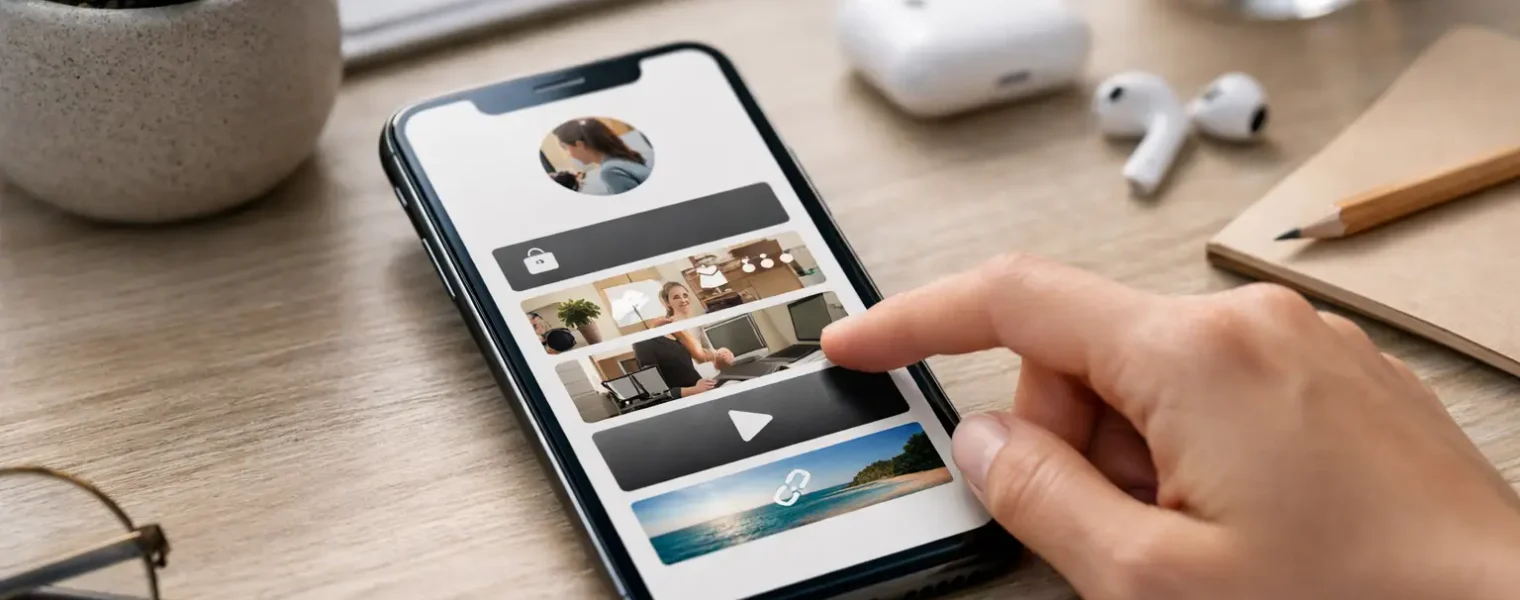
A customer sees your Instagram post, TikTok video, or LinkedIn update, gets interested, and taps your profile. That moment is short. A link in bio for small business gives them one clear place to go before that interest disappears into the next scroll.
For a local service provider, that may mean booking an appointment. For an ecommerce shop, it may mean viewing a new collection. For a consultant, it may mean requesting a call. The point is not to send everyone to a homepage and hope they find their way around. It is to give each visitor a fast, branded path to the action that matters now.
Why a Link in Bio Matters for Small Business
Social platforms are good at creating attention, but they put limits on where that attention can go. Posts, captions, Stories, videos, printed QR codes, and direct messages can all point people toward your business, yet each campaign may need a different destination. Replacing a profile link every time you launch something is slow and easy to forget.
A dedicated bio page keeps the public URL stable while the content behind it changes. Your printed business card, social profile, email signature, and campaign materials can keep using the same destination. When a promotion ends, an event fills up, or a product sells out, you update the page rather than changing every place the old link appeared.
That operational flexibility matters most when you are running the business yourself. Fewer disconnected tools and fewer last-minute edits mean less time managing links and more time serving customers.
Start With One Business Goal
The best bio pages are not mini websites. They are focused decision pages. Before choosing blocks, colors, or button text, decide what you want a visitor to do over the next few weeks.
A restaurant promoting a seasonal menu may put online ordering and reservations first. A photographer with limited availability may prioritize an inquiry form and portfolio. A retail shop launching a product drop may lead with the new collection, then place store hours and customer support below it.
You can support several actions, but they should not compete equally. Put the current revenue-driving action at the top. Use supporting links to answer the next questions a customer is likely to have: Where are you located? What do you offer? Can I see reviews? How do I contact you?
The right priority also depends on how people find you. Someone arriving from a tutorial video may be ready to browse products. Someone scanning a QR code at a market booth may need payment options, a loyalty offer, or your location. A single profile URL can serve both audiences when the page is organized around clear choices.
What to Put on a Small Business Bio Page
Lead with the next step
Your first visible button should match the promise of your most recent campaign or your most valuable routine action. Avoid generic labels such as “Click here” or “More information.” “Book a 30-minute consultation,” “Shop summer arrivals,” and “Order pickup” tell visitors what happens after the tap.
Keep the label brief, but make it specific. If an offer has a deadline, include it when useful. A button labeled “Get 15% Off Through Friday” gives a customer a reason to act now without requiring a long explanation.
Add the trust builders people need
Small businesses often lose ready-to-buy visitors because the page skips basic reassurance. Add the information that helps someone move from interest to confidence: testimonials, a short introduction, service areas, store hours, an FAQ, a map, or a contact option.
Not every business needs every element. A fully online store may not need a map, while a mobile pet groomer may need service-area details near the top. A high-consideration service may benefit from client reviews and examples of work before an inquiry button. Choose what removes the most likely hesitation.
Keep social profiles secondary
Your social channels can be useful proof of activity, style, and community. They should not usually be the primary destination on a page built to generate bookings or sales. If a visitor taps from Instagram to your bio page and then taps back to Instagram, you have created a loop instead of a path forward.
Place social icons or profile links lower on the page, after the business actions you want to drive. The exception is a creator-led business whose content itself is the product, such as a speaker, artist, or educator building an audience across channels.
Make the page look like your business
A logo, recognizable colors, and a clear profile image make a small page feel intentional. Brand consistency is practical, not cosmetic. People are more willing to submit a form, buy a product, or call a business when they can quickly confirm they are in the right place.
Use enough contrast for buttons to be easy to read on a phone. Resist adding multiple fonts, competing background images, and a different color for every link. Mobile visitors should understand the page in seconds, not work to decode it.
Build a Link in Bio for Small Business Around Campaigns
Your bio page should not remain fixed just because the URL is fixed. Treat it as an active campaign surface.
When you run a sale, move the sale to the top. When registrations open for a workshop, feature registration first and move it down once spots are filled. When your holiday hours change, update that information before customers start calling. This approach lets one link support the rhythm of your business without forcing you to rebuild pages or replace printed materials.
The same principle applies to QR codes. A QR code on packaging, a flyer, a trade show sign, or a restaurant table tent can point to a destination that changes after it is printed. That is especially useful for recurring promotions, rotating menus, seasonal services, and event follow-ups. The physical asset stays useful while the destination remains under your control.
A platform such as Blinki can bring the bio page, branded short links, editable QR destinations, and reporting into one workspace. That is valuable when you need to update a campaign quickly without checking separate tools for page edits, QR codes, redirects, and click data.
Measure What People Actually Do
Clicks are a useful starting point, not the final answer. A top link with many clicks may be doing its job, or it may be confusing visitors who cannot find what they expected. Look at link-level performance in the context of the action behind it.
For example, if “Book now” receives fewer clicks than “View services,” that does not automatically mean it belongs lower on the page. Visitors may need to understand the offer first. But if “View services” gets repeated attention while bookings remain low, your service page or booking flow may need clearer pricing, availability, or calls to action.
Review performance after meaningful campaign windows rather than refreshing reports every day. Compare traffic sources, click patterns, and the links that draw attention during a launch, event, or promotion. Bot-filtered reporting helps make those numbers more useful by reducing noise from automated traffic.
Over time, use the data to simplify. Remove links that no longer serve a purpose. Rewrite vague labels. Promote the actions that bring qualified inquiries, orders, or appointments. A shorter page with clear intent often performs better than a crowded directory of everything your business has ever offered.
Common Mistakes to Avoid
The most common mistake is giving every link equal weight. Ten buttons may look thorough, but they force visitors to make decisions your page should have already made. Keep the top section focused on the current goal, then organize supporting information below it.
Another mistake is sending customers to outdated or dead destinations. Check every button after a campaign changes, especially links to limited inventory, event registrations, forms, and temporary discount pages. Editable destinations help, but someone still needs to own the update process.
Finally, do not treat your bio page as separate from the rest of your brand. The copy in a social post should match the button people will see after tapping your profile. If a video promises a free estimate, the first page action should make that estimate easy to request.
A good bio link earns its place by making the next customer decision simpler. Keep it current, make the primary action obvious, and let the page change as your business changes.