
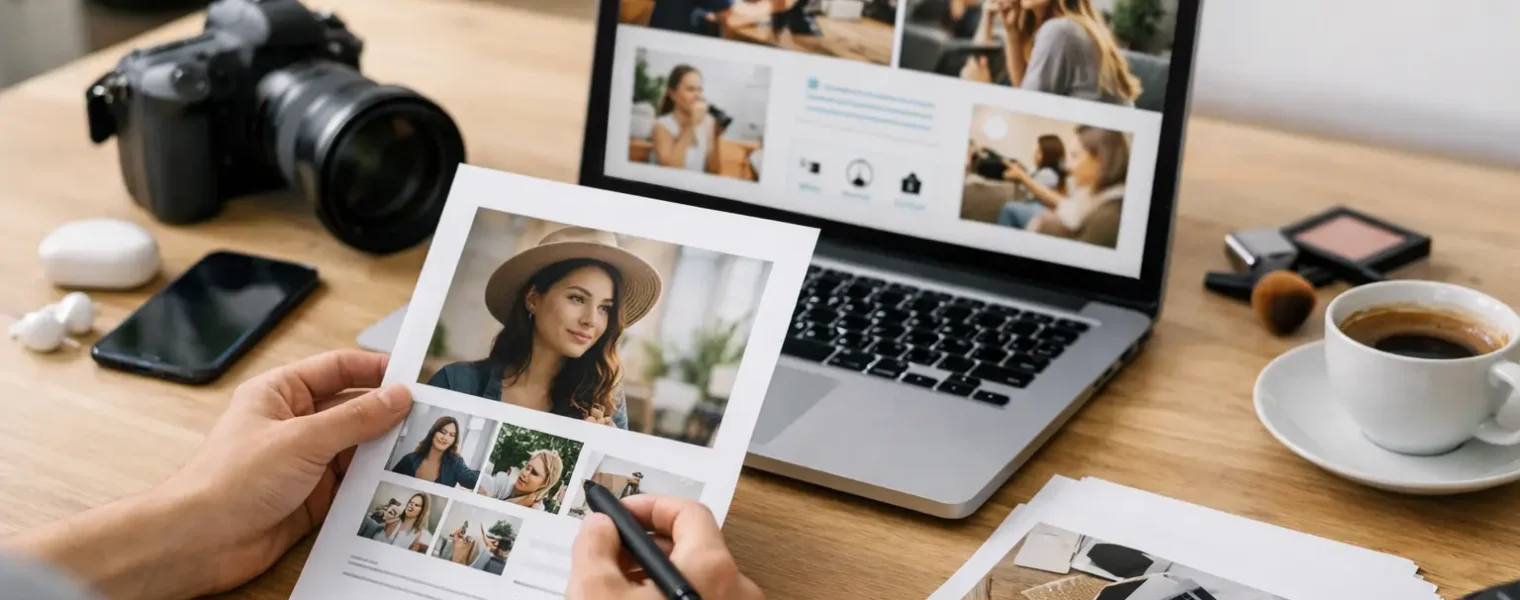
A brand manager should be able to understand what you create, who you reach, and why you are a fit in under two minutes. That is the standard when you build a creator media kit. It is not a scrapbook of every post you have made. It is a clear, current business asset that helps the right partners say yes faster.
For creators, freelancers, consultants, and small businesses, a strong media kit does more than support sponsorship pitches. It creates one professional source of truth for your audience, services, results, and contact details. Instead of sending screenshots, scattered links, and a long explanation in every email, you give people a polished place to evaluate an opportunity.
Start with the decision you want to make easier
A media kit works when it answers a partner’s practical questions. What does this creator do? Who is their audience? What kind of collaboration is available? What evidence suggests this partnership could perform?
Start there before choosing colors, templates, or fonts. If your kit is for brand partnerships, lead with your niche, audience, and content performance. If you are a freelancer or consultant, give more space to services, client outcomes, and case studies. If you run a product-focused business, your kit may need to show customer demographics, distribution channels, and campaign options.
This is also where specificity matters. “Lifestyle creator” is broad. “Home organization creator helping busy renters build functional small spaces” tells a prospective partner where you fit. A narrow description does not limit your opportunities. It helps relevant opportunities recognize themselves.
Choose a format that stays current
A PDF is still useful for a formal pitch or a requested attachment. It is easy to save, share internally, and review offline. The downside is maintenance. Every new audience milestone, campaign result, or rate update creates another version that can circulate long after it is accurate.
A hosted media-kit page is usually the better operating system. You can update it as your business changes, add campaign-specific sections, and use one clean URL in your bio, outreach, proposals, and email signature. A partner always sees the latest version.
The practical answer is often both: keep a concise PDF for situations that require one, then make your live media-kit page the primary destination. With a tool such as Blinki, you can organize that page alongside your social profiles, portfolio, short links, and audience analytics without adding another disconnected tool to your stack.
What to include in a creator media kit
A useful media kit should feel complete without becoming heavy. Include the details a buyer needs to assess fit, then give them an easy next step.
Your positioning and visual identity
Open with your name or business name, a strong photo or recognizable brand image, and a one- or two-sentence description of your work. Add your primary channels and a short statement about the topics you cover.
Keep the design consistent with the public presence people will see after they click through. Use your brand colors, a readable typeface, and enough space around sections to make the page scannable on a phone. Decorative elements are fine, but they should never compete with the information.
Audience data that means something
Follower count alone is not a media strategy. Include the numbers that help a brand understand reach and relevance: total audience by channel, average views or reach, engagement rate, website traffic where relevant, audience location, age range, and gender breakdown.
Use a defined reporting period. “Average monthly reach, last 90 days” is more credible than a metric with no timeframe. If one channel is growing quickly, say so and show the trend. If your audience is concentrated in a city, niche, or buyer segment, make that visible because it can be a major advantage for the right campaign.
Do not inflate numbers or fill the page with vanity metrics. A smaller, highly responsive audience can be more valuable than a large generic following. Good partners know this, and clear reporting signals that you understand it too.
Content examples and proof of execution
Show examples of the work you want to be hired to create. A food creator pursuing recipe partnerships should feature recipes, not an unrelated viral post. A designer seeking software collaborations should show tutorials, workflows, or product integrations that demonstrate their style.
Include three to five standout examples, with a short line of context for each. Mention the campaign goal, the deliverable, and the outcome when you have permission to share it. For example, a case study could note that a short-form video introduced a product, generated a defined number of views, and drove measurable clicks or code uses.
If you are new to paid partnerships, do not invent a campaign history. Use your strongest organic work. Brands are evaluating creative judgment, audience trust, and reliability as much as prior sponsorships.
Collaboration options and services
Make it easy for someone to see what you can deliver. This could include short-form video, product tutorials, live content, newsletter placements, event coverage, user-generated content, photography, affiliate campaigns, speaking, or consulting.
You do not need to publish fixed rates. Rates depend on usage rights, exclusivity, production time, deliverables, paid amplification, timelines, and category fit. Publishing a starting rate can filter out poor-fit inquiries, but it may also encourage buyers to treat a custom campaign like a commodity. If your work varies significantly, use a simple prompt such as “Custom packages available” and invite a brief.
Testimonials, results, and trust signals
A concise client quote can add more confidence than a paragraph of self-promotion. Prioritize testimonials that mention a real result: fast communication, thoughtful creative, on-time delivery, sales support, or a smooth approval process.
You can also include relevant certifications, press mentions, communities you lead, or brands you have worked with. Keep the evidence proportional. A crowded logo wall is less persuasive than two specific examples that show you are dependable.
A direct contact path
End with one clear way to get in touch. Include your business email, manager or agent information if applicable, and a contact form or inquiry button. If your inbox is busy, ask for the essentials: company, campaign goal, timeline, budget range, required deliverables, and usage expectations.
This small amount of structure reduces back-and-forth and helps you qualify opportunities before you spend time building a proposal.
Build for mobile, not just the pitch deck
Most partners will first see your media kit from a phone, often after clicking from social media or an email. Test the experience there. Check that your opening statement appears quickly, images load cleanly, text does not feel cramped, and your contact option is easy to find without excessive scrolling.
A mobile-first kit is also easier to adapt. You can create short campaign links for outreach, track which pitch destinations receive attention, and update your featured work without changing the URL you already shared. If you use QR codes on event signage, packaging, or printed materials, make sure the destination can be changed later. That preserves the value of the physical asset when your campaign evolves.
Keep your metrics current and your claims defensible
Set a monthly or quarterly reminder to review your kit. Replace old screenshots, update audience data, remove expired offers, and rotate in stronger work. Your media kit should reflect where your business is going, not just what performed well a year ago.
Be careful with access and privacy, too. Share audience summaries and campaign outcomes, not personal customer data or confidential client reporting. If you work with a team, define who can update public pages, who can view analytics, and who can approve changes. Simple permissions prevent accidental edits when your operation grows.
The strongest creator media kit is not the one with the most pages or the flashiest design. It is the one that gives a potential partner enough confidence to start a useful conversation. Keep it clear, keep it current, and make every click lead somewhere you control.